
The front desk
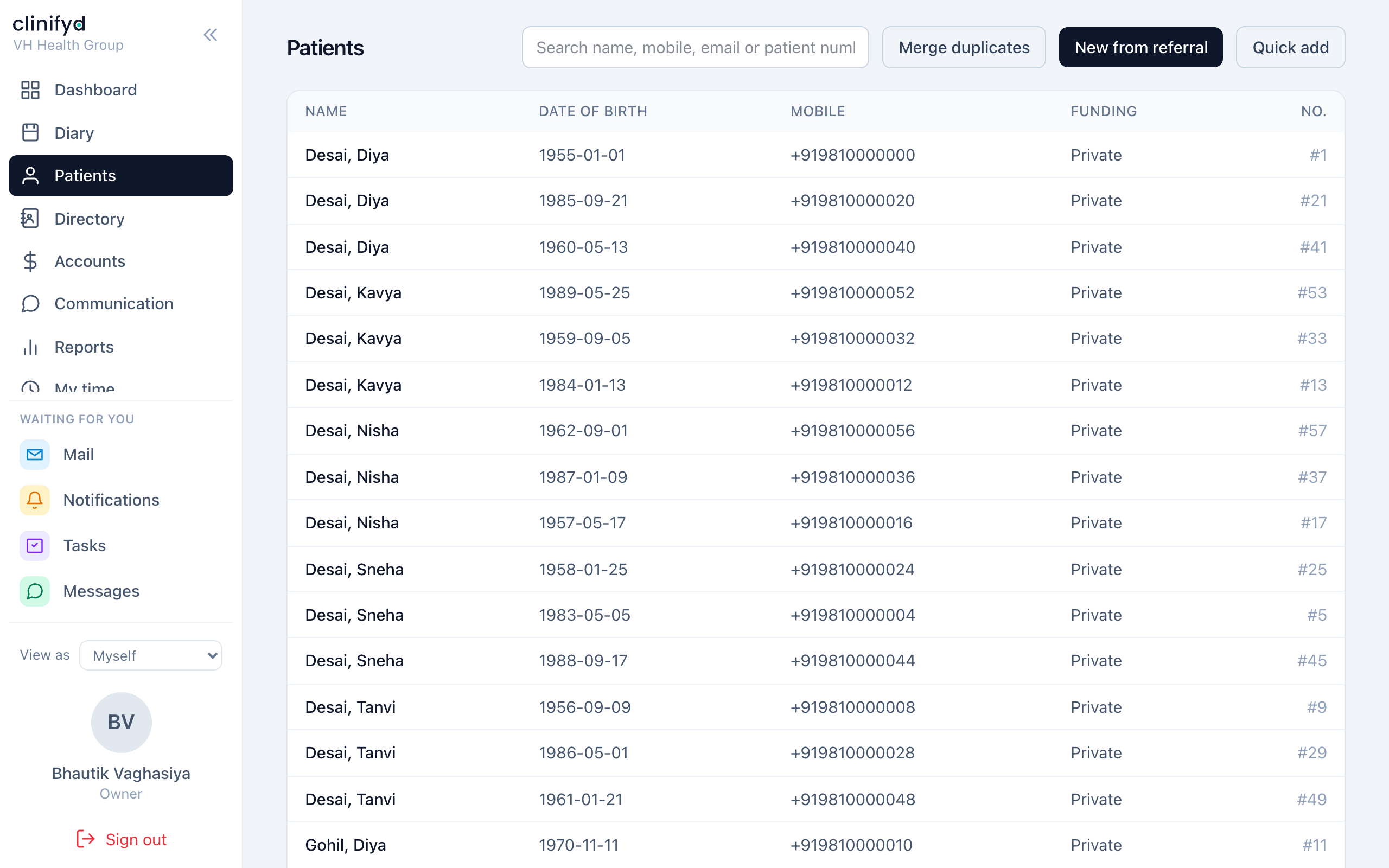
The busiest seat in the clinic. Almost everything you need is on two screens: Diary and People.
The diary
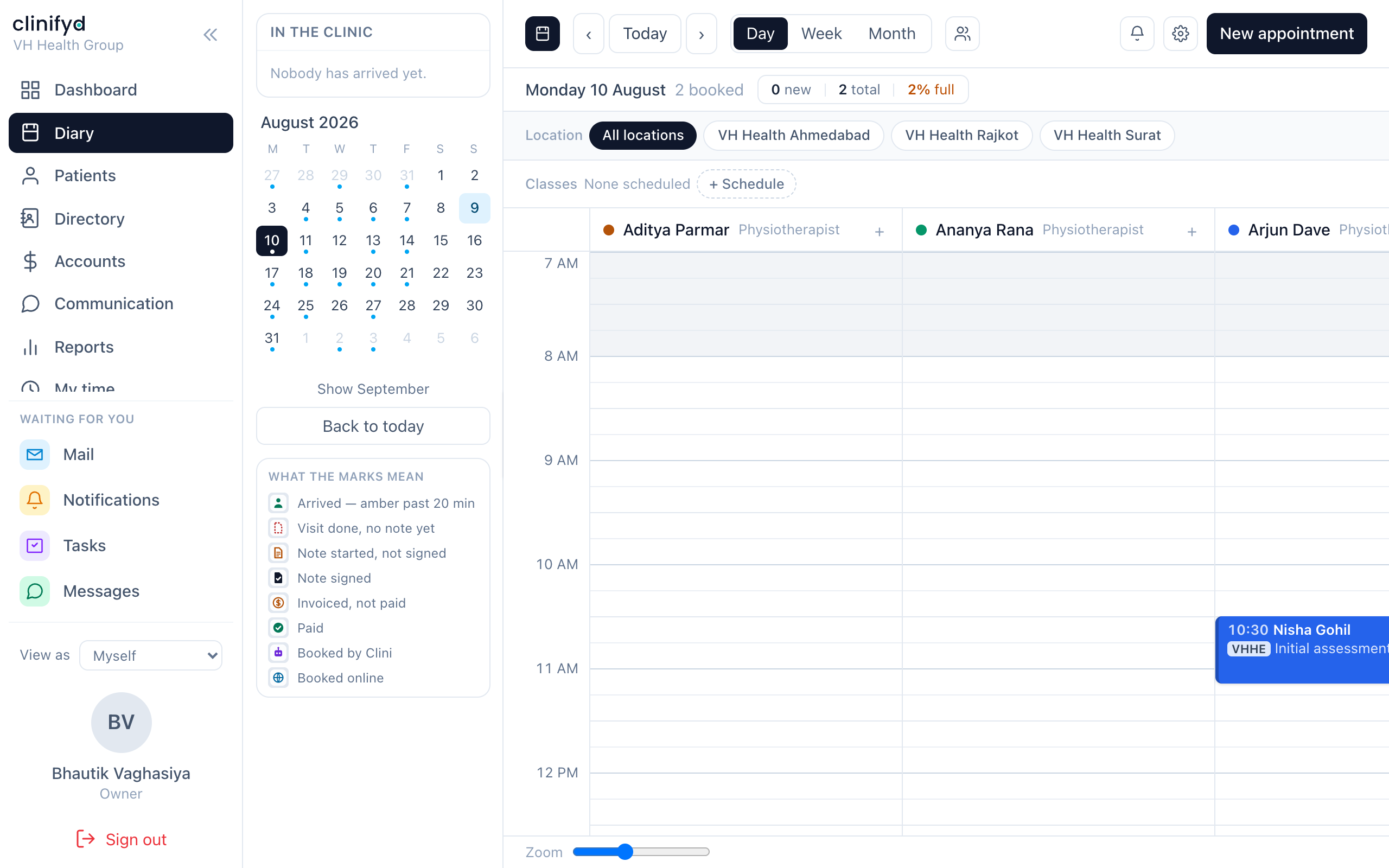
One column per practitioner, the day down the side. Closed time is tinted.
| To do this | Do that |
|---|---|
| Book | Click any empty half hour |
| Move | Drag the appointment to a new time or a different column |
| Make it longer | Drag the bottom edge down |
| Open a booking | Click it |
| See the whole card | Hover |
The red dashed line is now. It moves.
What the diary refuses
- Double booking. Two people cannot hold one practitioner at one time. The block springs back and tells you who is already there.
- Closed time. If the practitioner's diary is not open then, the booking is refused. Practitioners, owners and managers can override this; reception cannot, by default.
- Stretching over the next patient. Extending a booking into somebody else's slot is refused rather than shuffling everybody along. It has to be refused: one drag silently moving three other people's appointments, with the first anyone knows being a patient arriving to find their time changed, is a worse outcome than being told no.
Appointment states
Set these as the day goes. They drive the dashboard, the reports and what the practitioner sees.
| State | When |
|---|---|
| Booked | Made, nothing else has happened |
| Confirmed | They have said they are coming |
| Arrived | They are in the building — tick this as they walk in |
| In progress | They have gone through |
| Completed | Finished |
| Did not attend | Did not come, did not call |
| Cancelled | Called off, with a reason |
Arrived is the one that matters most. The practitioner's screen and the "in the clinic now" count both read it, and half the reports treat Arrived as "this visit happened" because front desks tick it reliably and Completed rarely.
Do not use Cancelled for a no-show. They mean different things to every report that counts them, and to any conversation about a cancellation fee.
Notes on the diary
The coloured strips down a column are notes — "Anand at a course", "carpet cleaned 2pm". Drag the edge to resize one. They are not appointments and never appear in anybody's numbers.
Booking somebody in
- Click the slot.
- Find the person, or Add them if they are new.
- Pick the service. The price and the length come with it.
- Pick the practitioner if you are not already in their column.
- Save.
Alerts. If a person's record carries an alert — an allergy, a difficult history, a debt — it appears on the booking card in amber. It is there to be read before they arrive, not after.
Someone wants the first available time
Use the free-slot search rather than reading the grid. It only offers times where the whole appointment fits inside working hours, which the eye is bad at.
They want an earlier time than you have
Put them on the waiting list against the service and the days they can come. When something is cancelled the list is what turns an empty hour back into a booked one — otherwise the hour is simply lost.
Taking money
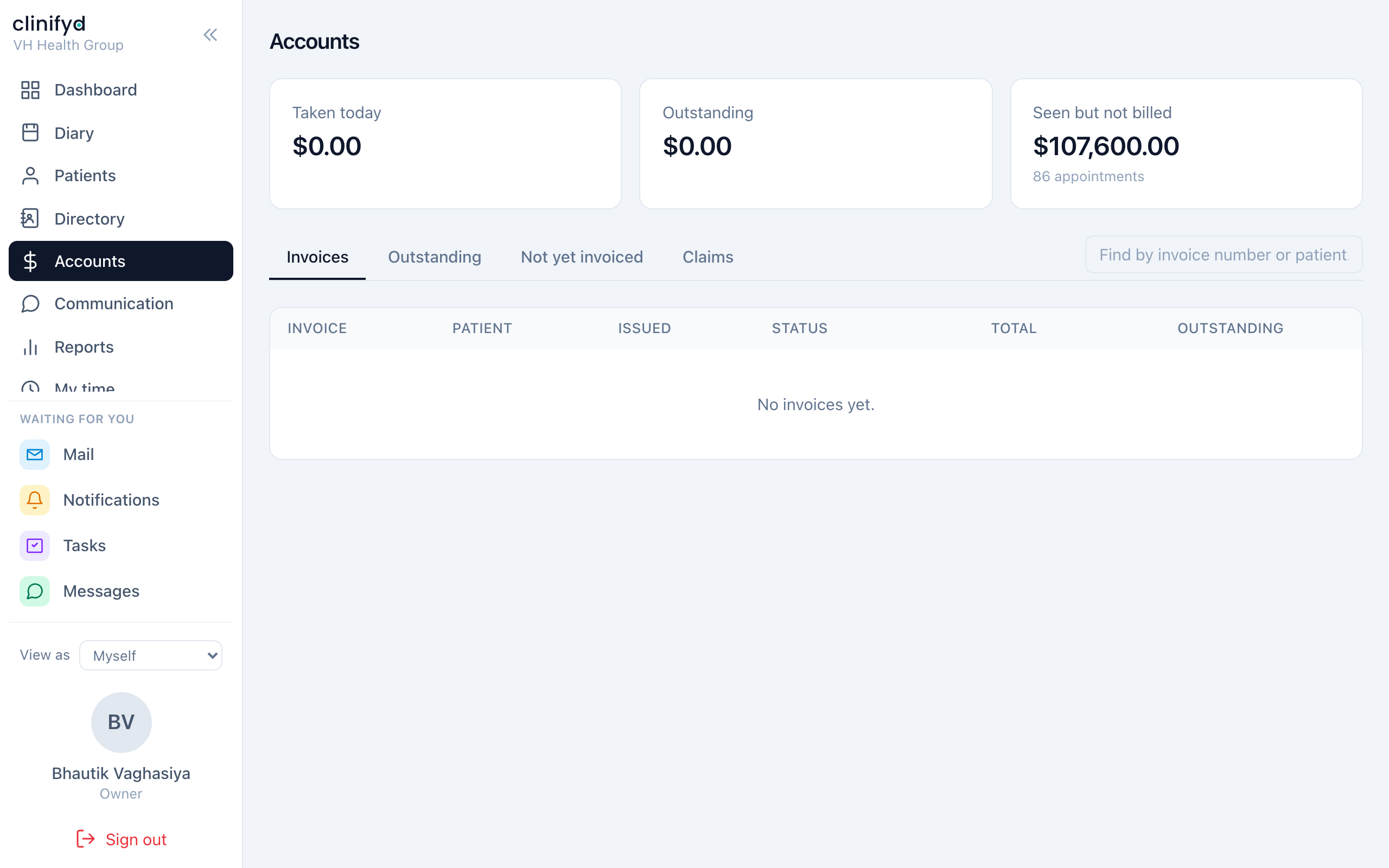
Accounts, or the Billing tab inside the booking.
The short version:
- Raise the invoice from the appointment.
- It starts as a draft — editable, no number yet.
- Check it. Add anything else they are buying.
- Issue it. Now it has a number and it is final.
- Take the payment against it.
Once issued, an invoice cannot be edited. If it is wrong, see Rules that never bend. This is not the software being awkward — it is what makes the practice's books defensible.
Full detail in Money, invoices and claims.
The phone
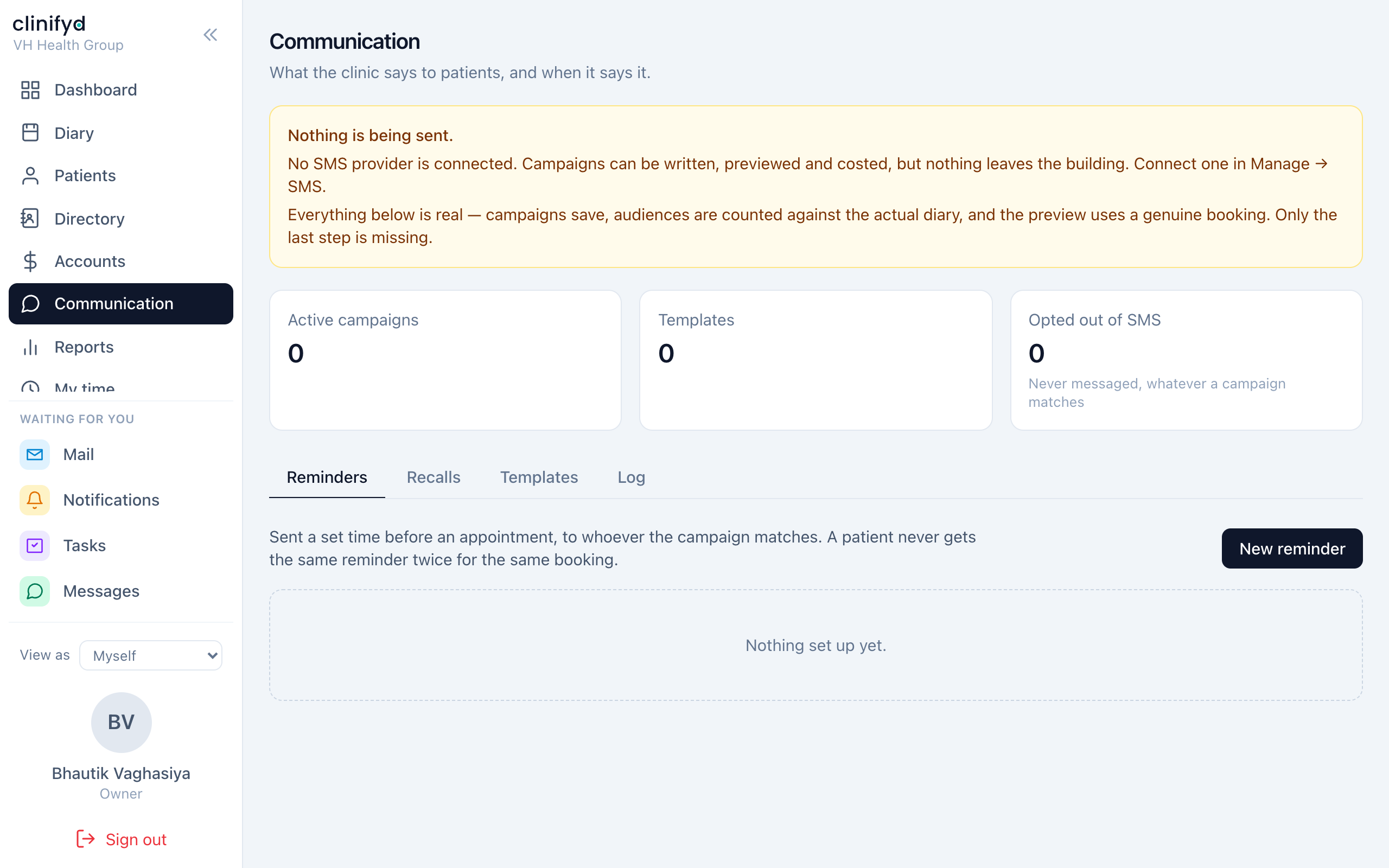
Communication holds message history and replies. Unread texts also appear on the dashboard.
If your practice runs Clini, the AI receptionist, she answers when nobody picks up and can take a booking. Her call history and full transcripts live at her own address — ask an owner for it. Calls she was unsure about are flagged for a human to read.
End of day
- Every appointment has an outcome — nothing still sitting on Booked.
- Money in today on the dashboard matches the drawer and the terminal.
- Not yet invoiced is empty, or you know why it is not.
- Anything you promised to chase is written down somewhere that is not your memory.
What you cannot do, and why
You will not see clinical notes. This is locked in the software and cannot be switched on for a front desk login by any setting — not because reception is not trusted, but because clinical records are limited to the people providing care, and a rule with exceptions is not a rule.
You also cannot delete a person's record. Archive is the tool for a record that should leave the active list; it keeps every appointment and invoice attached to it. Deleting is reserved for a record created by mistake with nothing attached, and only an owner (or somebody they have trusted with it) can do it.