
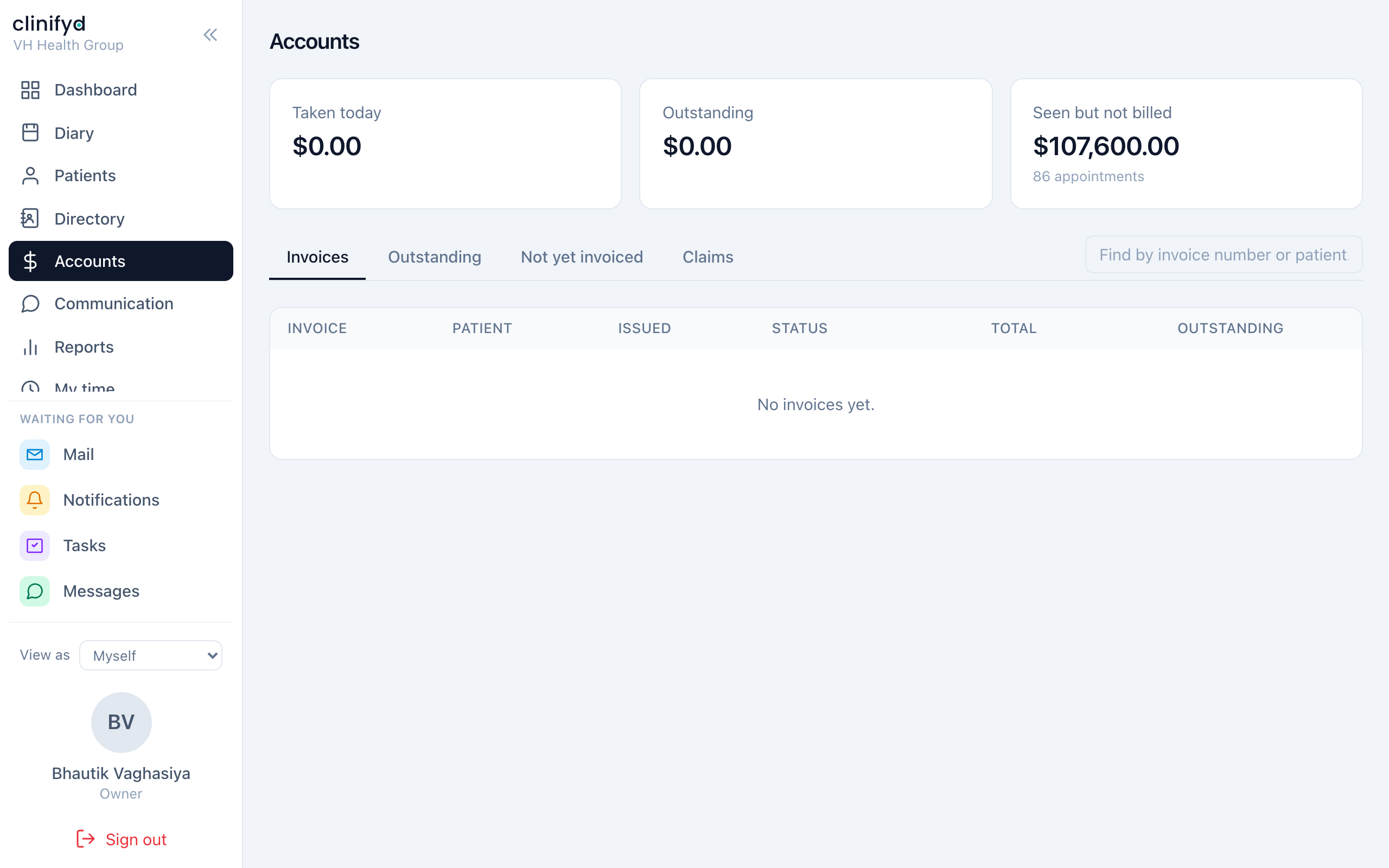
Money, invoices and claims
The part of the product with the least room for improvisation. Most of what follows is a rule rather than a preference.
The shape of it
appointment  →  draft invoice  →  issued invoice  →  payment
                (editable)        (final, numbered)
                                        │
                                        ├─ owed by the patient  → payment
                                        └─ owed by a funder     → claim
An invoice can be split between the two. A patient's gap and an insurer's share are separate obligations against one invoice, and they are chased separately.
Raising an invoice
From the appointment's Billing tab, or from Accounts.
It starts as a draft
A draft has no number, is not in the books, and can be edited freely — add lines, change quantities, apply a discount, fix the wording.
Take the time here. This is the only stage where changing your mind is free.
Issuing it
Issue allocates the next number in the sequence and makes the invoice final. From that moment:
- The lines cannot change.
- The total cannot change.
- The tax cannot change.
If it is wrong, you do not edit it — you raise a credit note against it. The credit note carries the negative, references the original, and both stand.
That is what the ATO expects as an adjustment note, and it is what makes a refund explicable a year later: "we credited this and refunded that", rather than a bare negative payment nobody can account for.
Void is different from a credit note. Voiding cancels an invoice that should never have existed, and it needs a reason. Use a credit note when the invoice was right and something changed; void when the invoice itself was a mistake.
Taking a payment
Against the invoice, recording how it was paid — card, cash, EFTPOS, bank transfer, HICAPS, Medicare, DVA, WorkCover, NDIS.
The method matters more than it looks. At five o'clock somebody has to count the drawer, reconcile the terminal and explain a health fund batch, and those are three different jobs. Money in today on the dashboard splits by method for exactly that reason.
Part payments
Perfectly normal. An invoice moves to part paid and keeps its balance. The Ageing receivables report is how you find the ones that stop moving.
Refunds
A refund is money going back out. It is recorded as its own thing, with a reason, and reported separately — see the Refunds report.
Discounts
Take them from the practice's discount catalogue rather than as free text wherever you can. A catalogued discount can be reported on; a typed one cannot, and "what did concessions cost us last year" becomes unanswerable.
A discount can sit on a whole invoice or on one line.
Discounts marked as needing approval are recorded, not blocked. Nothing stops the front desk mid-payment — but the Discounts report shows every one that was flagged, which is the other half of that bargain.
Packs
Prepaid blocks of visits. Redemption happens when the visit is invoiced.
A visit covered by a pack cannot be left as a draft invoice — drafting it would mean the pack balance and the invoice disagree about whether the session has been used. The software refuses and tells you.
Claims
Claims in the left bar. A claim asks a funder for money the patient does not owe.
There is no automatic lodgement yet
HICAPS and Tyro need a partner agreement; Medicare and DVA need vendor registration with Services Australia. None of that is code.
So today: lodge on the terminal, record it here. That is not a workaround — a front desk that records what it lodged can see what is outstanding, what came back short and what was never answered. Today that lives in somebody's notebook.
The states
| State | Means |
|---|---|
| Prepared | Built, not sent |
| Submitted | Lodged, waiting |
| Accepted | Acknowledged, not yet paid |
| Approved / Part approved | Answered, in full or short |
| Rejected / Denied | Refused |
| Paid | Money received |
| Appealed | Being argued |
Working the queue
The Claims card on the dashboard is ordered by how bad it is to leave alone:
- Nothing lodged yet — a funder owes it and no claim exists. This is the worst kind of money to be owed, because nothing else in the product tells you about it.
- Started, not sent — somebody's half-finished job.
- Waiting on a funder — with the age of the oldest. A claim submitted five weeks ago is the one worth a phone call.
- Came back short — needs a human.
Underneath, the recovery rate: how much of what you claimed actually came back, over ninety days. It is the only figure there that says whether claiming is working rather than how much of it is outstanding.
Remittances
Paste a remittance advice into the claims screen and it matches lines to claims for you. Check the matches before applying — it will tell you what it could not match rather than guessing.
What to check, and when
Daily
- Money in today matches the drawer and the terminal.
- Nothing sitting in Not yet invoiced that should have been billed.
Weekly
- Claims: nothing lodged yet, and anything waiting more than three weeks.
- Ageing receivables.
Monthly
- Revenue against last month and the same month last year.
- Discounts — what was given away, and by whom.
- Adjustments — every change to an invoice that was not a payment.
The invariants
The practice's books are checked by nine invariants that must always hold — issued invoices balance to their lines, payments never exceed what is owed, a credit note never exceeds the invoice it credits, and so on.
If you are technical, npm run db:check-ledger runs them and is safe against
production. If you are not, know only this: if somebody tells you the software
"won't let them" fix a number, the reason is almost always one of these, and
the fix is a credit note rather than an edit.